Saturday, 19 September 2026 | Behind the AV — Part 1
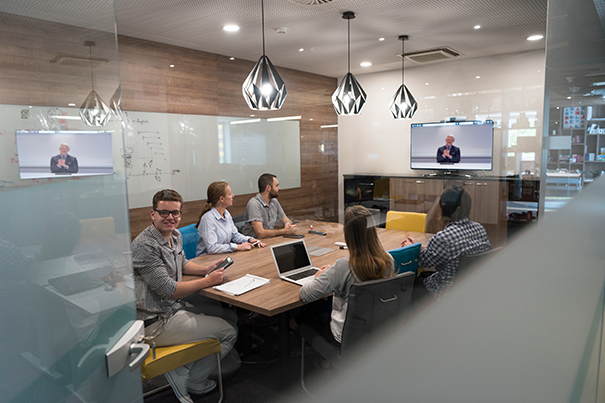
Behind the AV: What Really Happens Before the First Cable Goes Into Your Board Room
When a board room or a hybrid meeting room goes live, what people notice is the finish line — a display that wakes up on its own, a camera that finds the speaker, a meeting that starts with one tap. What they don't see is everything that happened before a single cable was run: the site visits, the acoustic calculations, the platform decisions, and the quiet negotiation between a camera lens and a conference table. This is the first post in Behind the AV, a series in which we open up CMPPL's engineering process room by room. We're starting with the two spaces that carry the most weight in a modern enterprise — the executive board room and the online, hybrid meeting room — because these are where the cost of getting it wrong is highest, and where “just install some screens” tends to go wrong fastest.
It Starts With the Room, Not the Rack
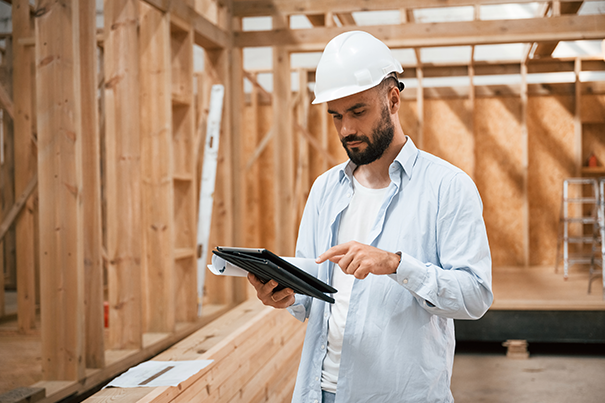
Before CMPPL specifies a single piece of hardware, our design team studies the physical room itself. That means measuring the space, checking ceiling heights and structural obstructions, noting where daylight enters and how it will fall across a camera lens through the day, and reviewing existing electrical, data, and HVAC infrastructure. Glass-walled board rooms — increasingly common in Indian corporate offices — bring particular challenges: reflective surfaces distort image and sound, and floor-to-ceiling glass changes where cabling and mounts can physically go. This site evaluation stage, part of what we call Discovery & Requirement Analysis, is where a design either gets grounded in reality or quietly sets itself up to fail six months later.
Effective AV planning starts with reading floor and ceiling plans for AV to plan equipment placement, cable routes, and connectivity.
Understanding How the Room Will Actually Be Used
A board room used twice a month for statutory meetings has different requirements from one used daily for investor calls and hybrid town halls. Before any design decisions are made, we sit with IT managers, facilities heads, and executive assistants to understand who uses the room, how many people join in person versus remotely, whether sessions need to be recorded, and what confidentiality or screen-visibility constraints apply. A room designed around a generic checklist rarely survives contact with how people actually work; a room designed around documented user requirements usually doesn't need a redesign eighteen months in.
Acoustics: Designing for Speech Before Anyone Speaks
Board rooms and hybrid meeting rooms fail on audio more often than on video, and the reason is almost always acoustic, not technical. Hard surfaces, glass, and high ceilings extend reverberation time (RT60) well beyond what's comfortable for speech intelligibility, and no microphone budget fixes a room that hasn't been acoustically treated. Our design team maps reverberation, reflection points, and background noise sources before deciding on microphone type or placement — the same principles we've detailed in our guide to acoustic treatment for conference rooms. Getting this stage right is what separates a room that merely has good microphones from one that actually sounds good.
Sightlines: Where the Camera Sees What the Room Sees
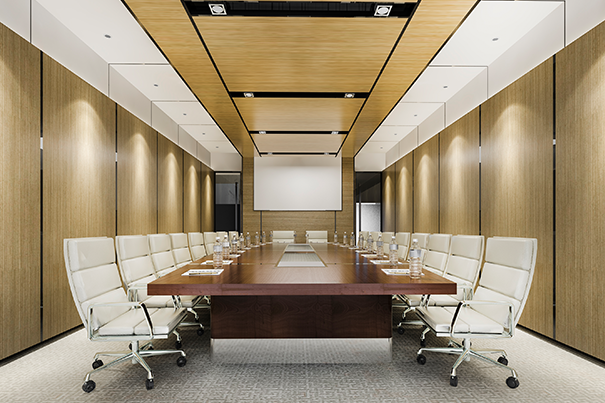
Sightline planning decides where displays, cameras, and confidence monitors sit relative to the table shape and seating capacity, so that every participant — in the room and on screen — is seen clearly and sees clearly in return. In board rooms, this also means avoiding backlighting from glass walls, positioning cameras so remote participants aren't staring at the backs of heads, and accounting for how a twelve- or sixteen-seat table changes framing compared to a compact huddle space.
Connectivity and Signal Flow, Planned Before It's Wired
Every board room and hybrid room runs on a signal chain — source devices, switching, DSP, a conferencing codec, displays, and a control layer tying it all together. CMPPL maps this chain, along with cabling routes, network readiness, and power requirements, before any conduit is run. Increasingly, this includes planning for AV over IP alongside traditional matrix switching, so the room can scale as the organisation's IT infrastructure evolves. We've written more on this in our guide to AV signal flow for IT managers, which is the same thinking that underpins every room design here.
Platform Compatibility: Designing Around How Teams Actually Meet
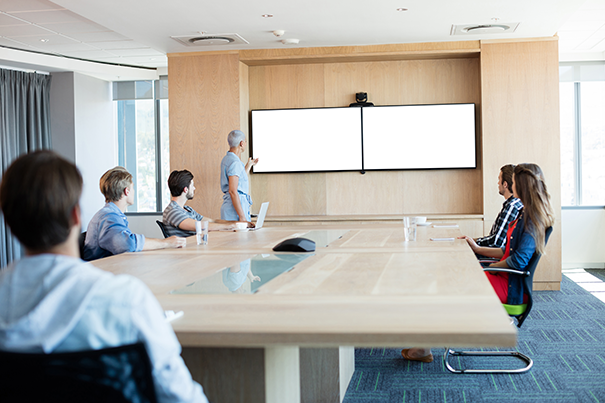
Whether a room needs to run natively on Microsoft Teams, Zoom, Google Meet, or Webex — or stay platform-agnostic across all four — is a decision made at the design stage, not bolted on afterward. It shapes camera and codec selection, control panel design, and how the room integrates with the organisation's existing UC licensing. We support all major platforms through our dedicated Microsoft Teams Rooms, Zoom Rooms, Google Meet Rooms, and Webex Rooms deployments, and have compared the trade-offs in more depth in our guide to choosing between Teams, Zoom, Meet, and Webex.
Equipment Selection: Hardware That Fits the Design, Not the Other Way Around
Only once the room, the users, the acoustics, the sightlines, the connectivity, and the platform are settled does CMPPL move to equipment selection. This is deliberate: choosing cameras, microphones, DSPs, and displays before those questions are answered means fitting the room to the hardware instead of the other way around. Our pre-sales analysis and solution design process exists specifically to keep this sequence honest, mapping every requirement to a feasibility check before a bill of materials is finalised.
Integration: Where the Design Becomes a Working System
Integration is where individual components — switchers, DSPs, codecs, control processors, cameras, and displays — are installed, programmed, and connected into the enterprise IT and network environment as one coordinated system. Our system integration team works alongside client IT teams at this stage, since board room and hybrid room networks increasingly sit inside enterprise security and VLAN planning rather than as a standalone AV network.
Testing, Calibration, and Commissioning
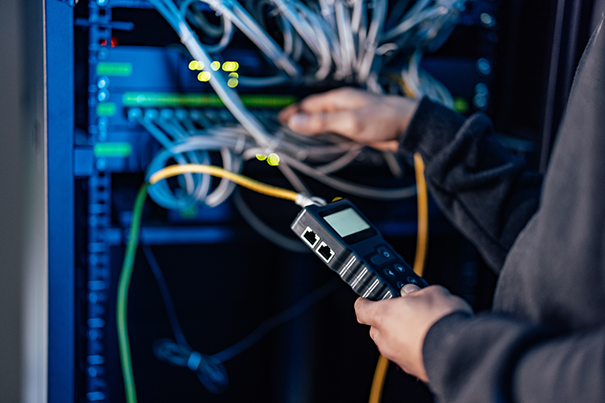
Before any room is handed over, it is tested under real meeting conditions, not just powered on and assumed to work. That means calibrating microphone gain and camera framing, validating audio and video quality with a live call on the actual platform the room will run, and checking every failure point identified during design — EDID handshakes, USB bandwidth, network prioritisation. Commissioning is treated as a distinct project phase with its own sign-off, not an afterthought squeezed into the last day of installation.
The Work Doesn't Stop at Handover
A board room or hybrid meeting room is not finished when the installers leave. CMPPL builds user and operational training into every handover, so teams and facilities staff know how to run the room, not just switch it on, and our managed services and post-sales technical support cover ongoing monitoring, preventive maintenance, and rapid resolution long after go-live.
This is what Behind the AV is about — not the finished room, but the engineering discipline behind it. If a first cable is about to go into your next board room or hybrid meeting space, it's worth asking whether these ten steps happened first. Talk to CMPPL's AV consultants to see how a properly sequenced design process changes what your next room actually delivers.
ABOUT THE AUTHOR
Sanjeev Kalhan, Founder & CEO, CMPPL
Sanjeev Kalhan is the Founder & CEO of CMPPL, with over 30 years of experience in AV, computing, and technology leadership. He founded CMPPL in 1995 and holds a B.Tech in Electrical Engineering from IIT Delhi and an MBA from IIM Calcutta. Under his leadership, CMPPL has designed and integrated AV ecosystems for 300+ clients across corporate, education, government, healthcare, and hospitality sectors nationwide.
Connect with him on LinkedIn: https://www.linkedin.com/in/sanjeevkalhan/
FAQ
CMPPL follows a structured methodology covering room study and site evaluation, user requirements, acoustics, sightlines, connectivity and signal flow, platform compatibility, equipment selection, integration, testing and calibration, and commissioning — all completed before installation begins.
Hard surfaces, glass, and high ceilings extend reverberation time and reduce speech intelligibility. No microphone or DSP budget can fully correct a room that hasn't been acoustically assessed and treated first, which is why acoustic design happens before hardware selection.
A hybrid meeting room is designed for equitable participation between in-room and remote attendees generally, while a platform-specific room, such as a Microsoft Teams Room or Zoom Room, is built and certified to run natively on one collaboration platform, which can simplify device management and support.
Sightline planning determines where cameras, displays, and confidence monitors sit relative to the table and seating so every participant is seen and sees others clearly. Choosing hardware first often forces awkward camera angles or backlighting problems that are difficult to fix later.
Whether a room needs to run on Microsoft Teams, Zoom, Google Meet, Webex, or stay platform-agnostic shapes camera and codec selection, control panel design, and how the room integrates with existing unified communications licensing — which is why platform compatibility is decided during design, not after installation.
Commissioning is the final testing stage where the system is validated under real meeting conditions on the platform it will run, microphones and cameras are calibrated, and every component is checked before formal handover and sign-off.
Yes. CMPPL provides user and operational training at handover, followed by managed services, preventive maintenance, and onsite or offsite technical support as part of ongoing lifecycle support.
For any inquiries or to discuss your requirements, please feel free to contact CMPPL through our website at www.cmppl.com or by email at info@cmppl.com. Our team will be happy to assist you.
Published: 19 September 2026