Saturday, 05 September 2026
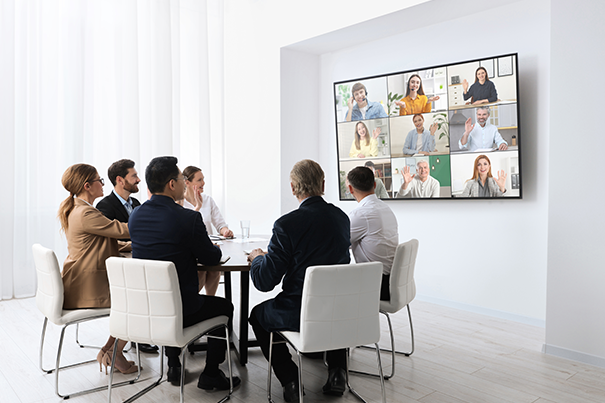
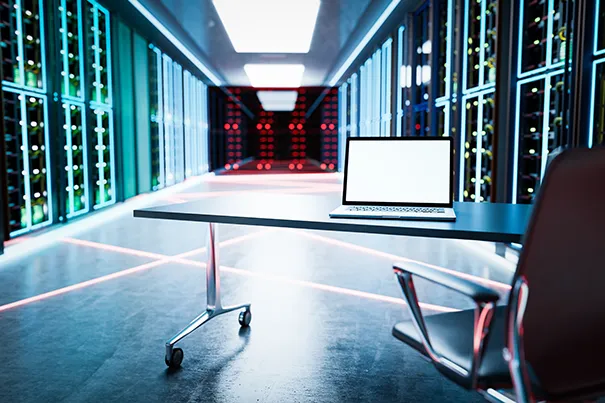
Walk into a well-run collaboration room today and nothing looks complicated. A camera finds the speaker automatically. The display wakes on cue. Someone joining from another city hears the room as clearly as the people sitting in it. One tap starts the meeting. That simplicity is the entire point — and it is also the hardest thing to engineer. Behind that single tap sit at least five distinct technology categories, usually supplied by five different manufacturers, each with its own protocols, firmware cycles and failure modes. For an IT manager evaluating a room refresh or a new office build-out, the real question is never “which brand of camera or speaker should we buy.” It is “who is going to make video, audio, displays, lighting, room control, the collaboration platform and the network underneath all of it behave like one coherent system.” That is systems integration, and it is where most room projects quietly succeed or fail.
1. Video — The Room's Eyes
Auto-framing, speaker-tracking cameras are the most visible piece of a modern meeting room, and, in isolation, the easiest to demo well. Video and Audio Collaboration brings these technologies together to create a more cohesive meeting experience. The harder problem is making the camera's output land correctly inside whichever collaboration platform is running — Teams' front row, Zoom's dynamic gallery, or Meet's active-speaker view — without lag, without an awkward crop, and without fighting the room's own lighting for correct exposure. Camera placement has to be decided alongside the display and lighting layout, not bolted on afterward. In CMPPL's design process, camera selection is treated as a room design decision rather than a device purchase, which is also why signal-flow planning matters as much as the hardware itself — see our guide to AV signal flow for how that chain is structured end to end.
2. Audio — The Layer People Forgive Last
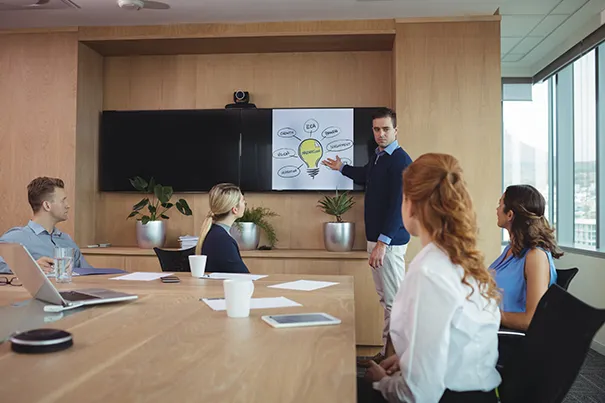
People will sit through a slightly soft video image. They rarely sit through choppy or echoing audio without complaint, and remote participants notice bad audio faster than anyone in the room. Ceiling microphone arrays and beamforming mics feed a digital signal processor (DSP) that handles acoustic echo cancellation, noise suppression and gain control before the signal ever reaches the conferencing platform. None of that fully compensates for a room that was never acoustically treated — hard glass, bare walls and a long reverberation time (RT60) will defeat even a well-tuned DSP. This is why audio and interiors decisions need to happen in the same conversation, not sequentially; we cover this in more detail in acoustic treatment for conference rooms, and design audio systems accordingly — see our approach to sound reinforcement.
3. Displays and Lighting — What the Room Actually Shows
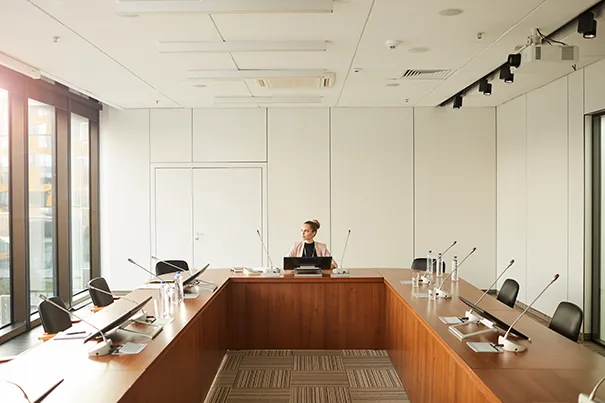
Displays and lighting are usually specified by two different teams — AV and interiors — yet each determines how well the other performs. A bright display against a dark wall reads as glare on camera; a dim display against a sunlit window becomes unreadable for in-room participants. Camera exposure, screen brightness and ambient light sensors all need to be tuned together, not independently. In boardrooms especially, lighting placement also affects how executives appear on camera — a detail we walk through in our post on 12-seater board room AV design.Whether the room uses flat-panel displays or a dvLED wall, the display layer has to be selected for the room's actual light conditions, viewing distances and content mix, not a spec sheet in isolation — see our range of video display solutions.
4. Room Control and the Collaboration Platform — Where Trust Is Won or Lost
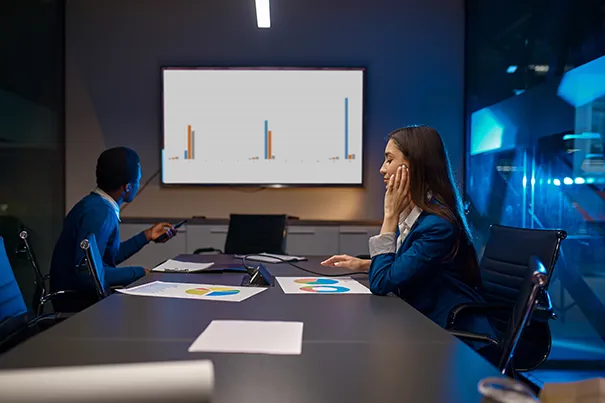
This is the layer users actually touch, and it is where a well-integrated room either earns trust or loses it in the first ten seconds of a meeting. A control processor and touch panel need to unify one-touch join across whichever platform the room supports, along with booking-panel scheduling, wireless content sharing and lighting or blind presets, all from a single interface. Certified peripherals matter here: a camera, microphone and speaker combination certified for a given platform will behave predictably inside it; a generic, uncertified setup often will not. CMPPL is an authorised partner across all four major platforms — Microsoft Signature Teams Rooms, Zoom Rooms, Google Meet Rooms and Webex Rooms — applying the same certified-hardware discipline to each, so the platform layer and the control layer are designed together rather than reconciled after installation. Rooms built for hybrid collaboration and huddle spaces follow the same principle at smaller scale.
5. The Network Underneath Everything
None of the above works reliably without a network designed for it. AV-over-IP (AVoIP) is steadily replacing point-to-point matrix switching because it scales better across multi-room and multi-building deployments, but it puts video, audio and control traffic onto the same infrastructure that carries email and file transfers — which means VLAN segmentation and quality-of-service (QoS) policies are not optional; they are what keeps a video call from stuttering during a large file sync. Power-over-Ethernet (PoE) simplifies cabling for cameras, microphones and touch panels but adds its own capacity planning. For IT managers, this is also the layer that determines whether a room can be centrally monitored, patched and diagnosed remotely, or whether every fault needs a site visit. CMPPL's Intelligent Building Audio Visual Designs and command and control work extends this network-first thinking to multi-room campuses, where centralised AV monitoring and secure networks matter as much as any single room's hardware.
Why “One Experience” Is the Real Deliverable
None of these five layers is difficult to buy on its own. What is difficult is making a camera from one manufacturer, a DSP from another, a display from a third, a control system from a fourth and a collaboration platform from a fifth behave as though they were designed together — and keep behaving that way after eighteen months of firmware updates, staff turnover and platform changes. That is the actual work of system integration, and it's the reason CMPPL has spent three decades building that discipline: understanding requirements, designing the architecture, integrating every layer, and staying on for the lifecycle support that keeps the room working long after the installers leave. This reflects CMPPL's people-first approach to technology, where the technology is designed around how people work rather than forcing users to adapt to the technology. If your organisation is planning a room refresh or a new office build, our team is happy to walk through what integration actually looks like for your space — get in touch.
For hybrid conference rooms that require a more detailed approach to signal flow, camera placement, audio design, control systems and scalability, see our complete guide to AV integration for hybrid conference rooms.
ABOUT THE AUTHOR
Sanjeev Kalhan, Founder & CEO, CMPPL
Sanjeev Kalhan founded CMPPL in 1995 and has spent over 30 years in audio-visual, computing and technology leadership. An Electrical Engineering graduate of IIT Delhi with an MBA from IIM Calcutta, he combines technical depth with strategic leadership, and has guided CMPPL's growth into a pan-India systems integrator with 800+ projects delivered across 300+ clients. Connect on LinkedIn.
FAQ
Video (cameras and framing), audio (microphones and DSP), displays and lighting (what the room shows), room control and the collaboration platform (Teams, Zoom, Meet or Webex), and the network infrastructure that carries and secures all of it. Each layer is usually supplied by a different manufacturer and has to be integrated to work as one system.
Individual components can each work perfectly on their own and still fail together if they are not integrated — a camera fighting the room's lighting for correct exposure, a DSP compensating for poor acoustics, or a control system that was not designed alongside the platform it is meant to launch. Most poor-performing rooms are an integration failure, not a product failure.
Lighting determines camera exposure, so getting it wrong means either overexposed screens or underexposed faces on camera. Lighting also needs to be coordinated with display brightness and ambient light sensors so the room looks correct to both in-room and remote participants.
AV-over-IP (AVoIP) sends video, audio and control signals over standard network infrastructure instead of dedicated matrix switching. It scales more easily across multiple rooms and buildings, but it requires VLAN segmentation and quality-of-service (QoS) policies so AV traffic does not compete with ordinary business data.
Yes, with the right control-system design. The room needs certified peripherals and a control layer that can launch and manage each platform's native interface, rather than forcing every platform through one generic setup that favours none of them well.
An installer mounts and connects individual devices. A systems integrator designs how video, audio, displays, lighting, control and network work together as one architecture, then supports that architecture through its lifecycle — firmware updates, platform changes and day-to-day troubleshooting.
CMPPL treats camera, audio, display, lighting, control and network decisions as one integrated design process rather than separate procurement decisions, using certified hardware from its OEM partners along with its own engineering and project management teams to install, program, test and support the room end to end.
For any inquiries or to discuss your requirements, please feel free to contact CMPPL through our website at www.cmppl.com or by email at info@cmppl.com. Our team will be happy to assist you.
Published: 05 September 2026