Monday, 16 November 2026
Ten years ago, a conference room's AV system lived in a rack. Today it lives on your network. Cameras draw power from switch ports, microphones stream audio as packets, touch panels sit on the LAN, and the meeting itself travels to a cloud platform across your WAN. The most important AV component in a modern collaboration room is one the AV integrator usually doesn't supply: your enterprise network.
So when rooms underperform — frozen video, audio dropouts, a ceiling microphone that reboots every afternoon — the cause is increasingly in the switch configuration, not the device. That is why network readiness is one of the first conversations we have with an IT team, long before equipment is ordered. Here is what that conversation covers.
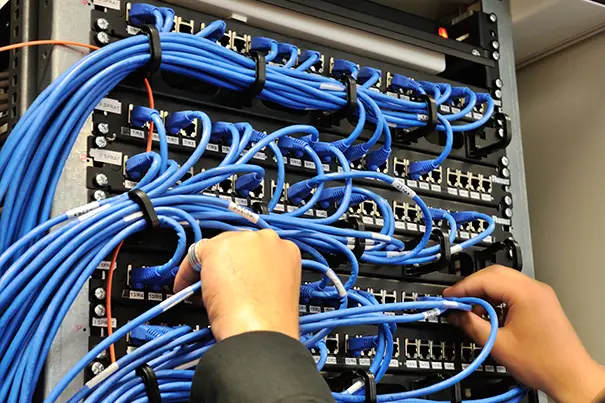
1. Bandwidth planning: size the room, then size the floor
A collaboration room generates two kinds of traffic. Cloud meeting traffic leaves the building. Microsoft's guidance is that a Teams Room typically uses around 3–4 Mbps in a standard meeting, and it recommends allocating 10 Mbps per room if you set a bandwidth policy. In-room AV traffic stays local but can be far heavier: networked audio is modest, while AV-over-IP video ranges from tens of megabits for compressed streams to several gigabits for lightly compressed formats. An uncompressed 1080p60 signal alone is about 3 Gbps.
Plan for both:
- Budget internet capacity for rooms likely to be in concurrent use, not just for one room tested in isolation.
- Give every codec, room PC and AV-over-IP endpoint a wired gigabit drop. Wi-Fi is for guest devices, not room systems.
- Check uplink headroom on access switches where video is distributed over IP; a 10 Gbps AV system needs 10 Gbps switching.
If you're new to how signals travel through a room, our AV signal flow guide for IT managers is a useful primer.
2. VLANs: give AV its own neighbourhood
AV devices are effectively specialised IoT endpoints running vendor firmware. Placing them on dedicated VLANs contains their traffic, simplifies firewall policy and reassures your security team. A typical structure:
- AV control and management — touch panels, control processors, DSP and camera management interfaces.
- AV media — networked audio and AV-over-IP video, kept isolated from user traffic.
- Room systems — Teams, Zoom or Meet room compute and codecs that need routed, policy-controlled access to cloud services.
One caution: some AV protocols rely on device discovery within a single subnet. Networked audio systems, for example, often prefer a flat network for the audio itself. Map which devices must talk to which before the VLAN plan is frozen, not after.
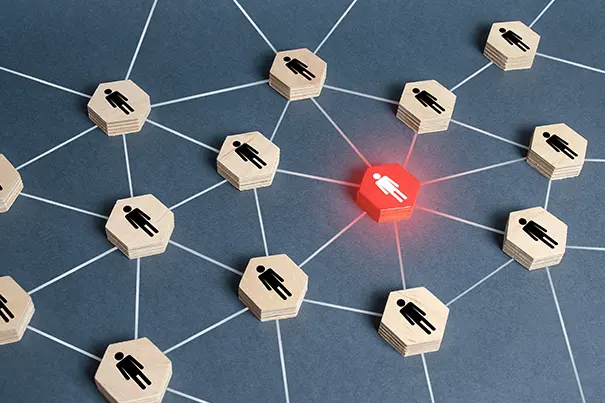
3. Multicast: the setting that can take down a floor
AV-over-IP video and networked audio frequently use multicast — one stream delivered to many receivers. That is efficient when the switch knows who wants each stream, and disastrous when it doesn't. Without IGMP snooping, a switch can forward multicast to every port, and a handful of video streams can swamp links serving laptops and printers.
- Enable IGMP snooping on AV media VLANs.
- Configure exactly one IGMP querier per VLAN, so snooping tables stay current.
- Use fast-leave where supported, so a display drops its old stream the moment its source changes.
- Verify multicast is not leaking across trunks into user VLANs.
Audio clock-synchronisation traffic also runs as multicast, so follow the audio manufacturer's switch guidance closely. This becomes critical in large conference rooms, where distributed microphones and multiple displays multiply the streams.
4. QoS: tell the network what matters
Bandwidth averages hide millisecond-level congestion — exactly what makes voices robotic. Quality of Service ensures real-time media is queued first.
- Microsoft Teams Rooms: audio DSCP 46 (EF), video DSCP 34 (AF41), screen sharing DSCP 18 (AF21), each on its own source-port range.
- Dante networked audio: clock events DSCP 56 (CS7), audio DSCP 46 (EF), with switches set to trust DSCP and use strict-priority queues.
- Disable Energy Efficient Ethernet on ports carrying Dante audio; it interferes with clock timing.
- Confirm markings survive your WAN or SD-WAN. Internet providers usually ignore them, but every internal hop should honour them.
We cover room-level QoS in more detail in our guide to designing future-ready Microsoft Teams Rooms.
5. PoE budgets: count watts, not ports
PTZ cameras, ceiling microphone arrays, touch panels and video bars increasingly run on Power over Ethernet. The trap: a 48-port PoE switch rarely has the power budget to deliver full power to all 48 ports.
| PoE standard | Power at switch port | Approx. power at device | Typical AV loads |
|---|---|---|---|
| IEEE 802.3af (PoE) | 15.4 W | ~13 W | Touch panels, small mics |
| IEEE 802.3at (PoE+) | 30 W | ~25.5 W | Mic arrays, some cameras |
| IEEE 802.3bt Type 3 | 60 W | ~51 W | PTZ cameras, video bars |
| IEEE 802.3bt Type 4 | 90 W | ~71 W | Displays, high-draw devices |
- Build a per-switch power table from each device's actual PoE class and keep 20–30% headroom.
- Put AV switches on UPS with redundant power supplies — when the switch reboots, the room goes dark.
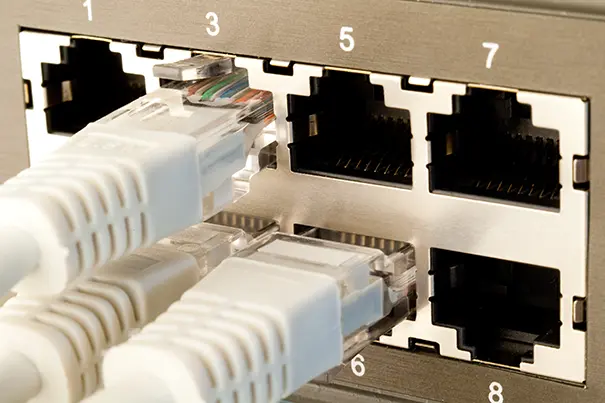
6. AV and IT: one design, two teams
Most network-related room failures are really coordination failures. Readiness works when responsibilities are written down:
- The AV integrator provides a network requirements schedule: every device, port, VLAN, PoE class, multicast need, QoS marking and cloud firewall requirement.
- IT provides the IP plan, DHCP reservations, 802.1X or NAC approach for AV devices, firewall rules and switch change windows.
- Together, both teams run a commissioning test — packet loss, jitter, latency and multicast behaviour — before the room is handed over.
- After handover, agree who monitors, how firmware is patched and how switch changes are controlled, so an unrelated configuration change never silently breaks a boardroom.
This is built into how we work. Through pre-sales analysis and solution design, a dedicated project manager coordinates with your IT team from the first drawing to final sign-off, and our system integration and managed services teams keep that alignment alive after the installers leave.
Network readiness is a design decision
People in a meeting don't care whether the problem was a camera, a codec or a mis-tagged switch port. They only know the meeting failed. Treating the network as part of the AV design — not an afterthought handed to IT on commissioning day — is how we make technology adapt to people, the principle behind the CMPPL philosophy.
Planning new hybrid collaboration rooms or bringing networked AV across an intelligent building? Talk to CMPPL about a network readiness review before your next project goes to tender.
About the Author
Sanjeev Kalhan — Founder & CEO
Sanjeev Kalhan founded Communication Media Products (India) Pvt Ltd and brings 30+ years of leadership across AV, computing and technology. An Electrical Engineering graduate of IIT Delhi with an MBA from IIM Calcutta, he has guided CMPPL through 800+ projects for 300+ clients across India, shaping its belief that technology should adapt to people — not the other way around.
Connect on LinkedIn.
FAQ
Microsoft recommends planning around 10 Mbps per Teams Room, though rooms typically use 3–4 Mbps in standard meetings. Plan internet capacity for the number of rooms likely to be in use at the same time, and treat in-room AV-over-IP video separately, as it can require 1–10 Gbps of local switching capacity.
Yes, in most enterprises. Separate VLANs for AV control, AV media and room systems contain multicast traffic, simplify firewall rules and isolate vendor-firmware devices from user traffic. Confirm first which devices rely on same-subnet discovery, as some networked audio systems work best on a flat network.
IGMP snooping lets a switch send multicast streams only to ports that have requested them. Without it, AV-over-IP and networked audio multicast can be flooded to every port, congesting the network. Each AV VLAN also needs one IGMP querier to keep snooping tables current.
Microsoft recommends DSCP 46 (Expedited Forwarding) for audio, DSCP 34 (AF41) for video and DSCP 18 (AF21) for screen sharing, each mapped to its own source-port range. Switches and routers must be configured to trust and prioritise these markings end to end.
List every powered device with its PoE class, add up the power each draws at the switch port, and compare the total with the switch's total PoE budget — not its port count. Keep 20–30% headroom and use 802.3bt switches for PTZ cameras or video bars that need more than 30 W.
Both. The AV integrator should document every device's network requirements; IT owns addressing, security, firewall policy and switch changes. A joint commissioning test before handover, and agreed monitoring and change control afterwards, prevents most network-related room failures.
Yes. CMPPL's pre-sales analysis and solution design process can include reviewing network requirements with your IT team, covering bandwidth, VLANs, multicast, QoS and PoE, to help identify potential connectivity and integration requirements before equipment is specified.
For any inquiries or to discuss your requirements, please feel free to contact CMPPL through our website at www.cmppl.com or by email at info@cmppl.com. Our team will be happy to assist you.
Published: 16 November 2026